On this page
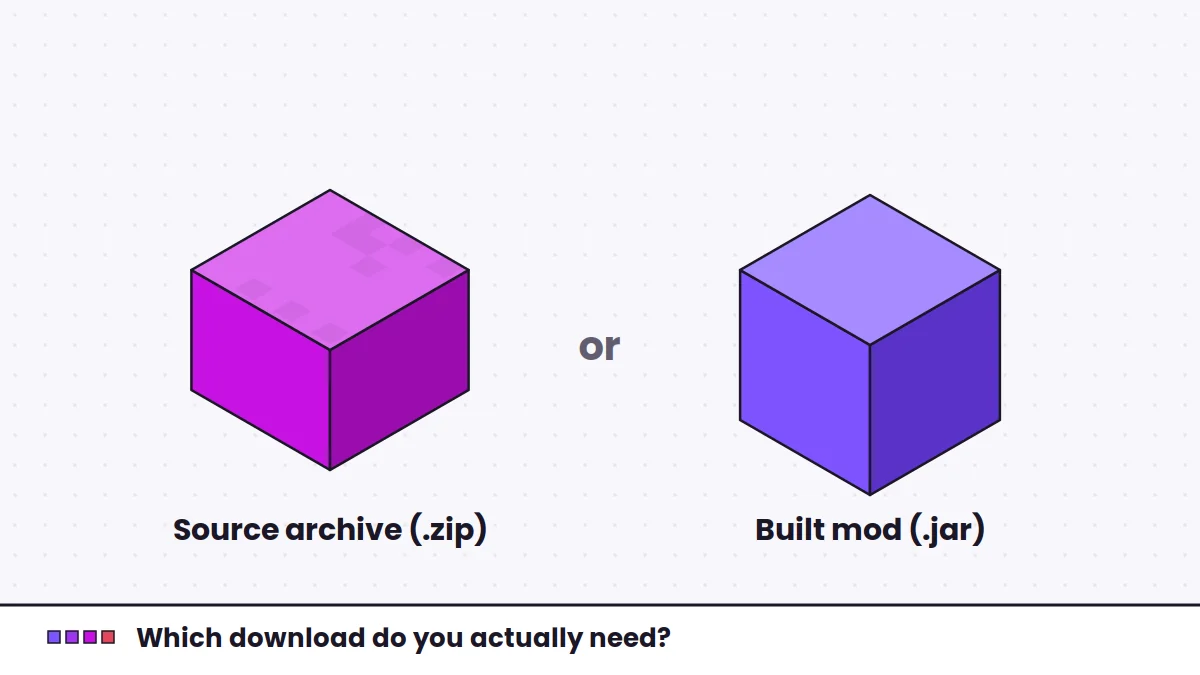
The archive linked from this site's download section contains the source code of Fabric Language Kotlin. This guide is for developers who want to build it locally or write their own Fabric mod in Kotlin. Players who only need the library should use a built release instead.
What you need
- A Java Development Kit (JDK) of a version the project's build supports. The repository's build files state the requirement.
- The source archive, extracted into its own folder.
- A terminal. An IDE such as IntelliJ IDEA is helpful but optional.
Building the library
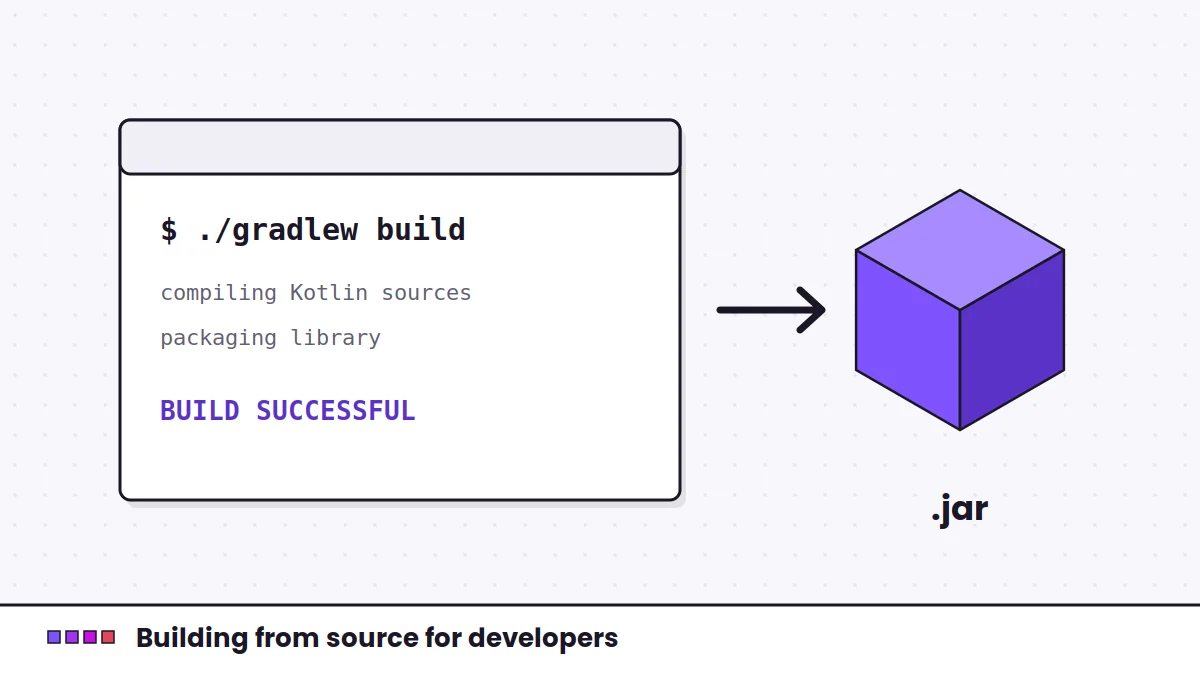
The project uses Gradle and includes the Gradle wrapper, so you do not need Gradle installed separately. From the extracted folder:
# macOS / Linux
./gradlew build

# Windows
gradlew.bat build
Gradle projects usually place built jars in build/libs. Check the project's configuration if you do not find them there. Remember that the master branch reflects the current development state, which may differ from the latest published release.
A locally built jar is fine for testing. For a modpack you share with others, a published release is easier for everyone to match.
Depending on it in your mod
A Kotlin Fabric mod declares Fabric Language Kotlin as a Maven dependency in its Gradle build, alongside the Kotlin Gradle plugin. The artifact uses the net.fabricmc group:
dependencies {
    modImplementation("net.fabricmc:fabric-language-kotlin:<version>")
}
Replace <version> with a published version string. Keep the Kotlin plugin version compatible with the Kotlin version that release bundles.
Declaring the adapter in fabric.mod.json
Entrypoints written in Kotlin use the kotlin adapter. A Kotlin object can be referenced directly:
"entrypoints": {
  "main": [
    { "adapter": "kotlin", "value": "com.example.mod.ExampleMod" }
  ]
},
"depends": {
  "fabricloader": "*",
  "fabric-language-kotlin": "*"
}
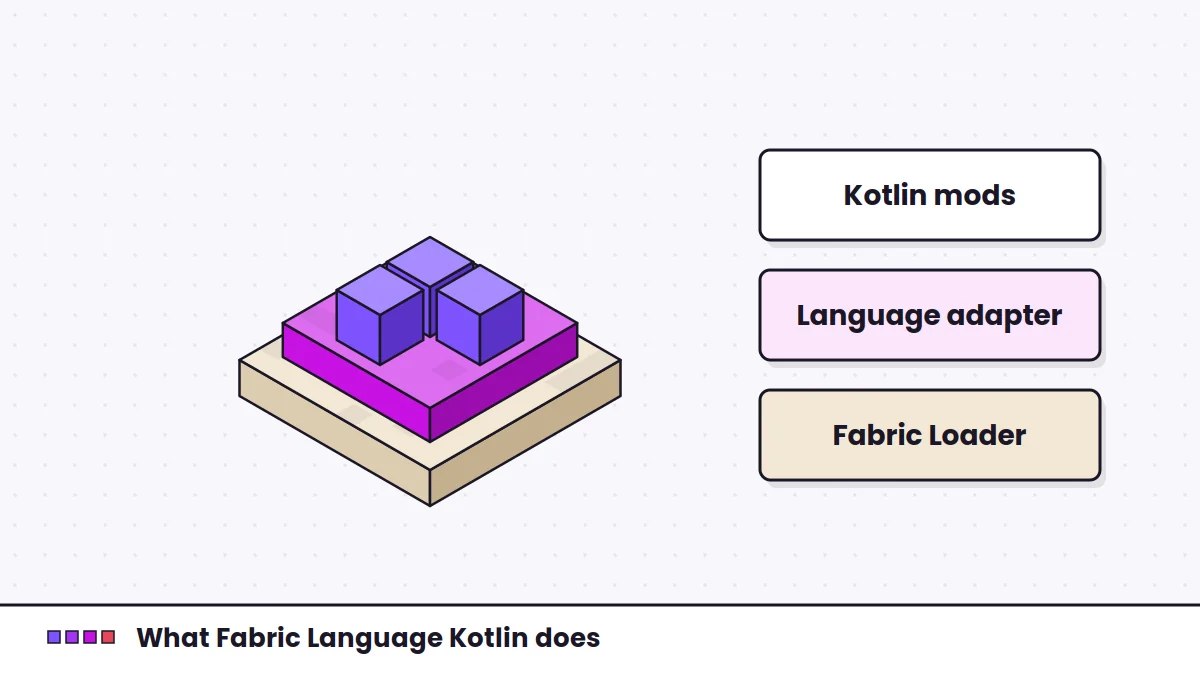
The project README also documents other supported entrypoint forms, such as top-level functions. Declaring the dependency lets Fabric Loader show a clear message to players who have not installed the library, instead of a confusing crash.
Do not bundle the runtime yourself
Relying on the shared library, instead of packing Kotlin into your own jar, keeps players' setups smaller and avoids version conflicts with other Kotlin mods. The explainer goes into why that matters.