On this page
Newer Minecraft releases bring updated Fabric Loader builds, updated Java requirements and, for 26.1.2, a new style of version number. This guide covers what to check when running Fabric Language Kotlin on 1.21.4, 1.21.11 or 26.1.2.
Why the numbers jump from 1.21 to 26.1
Minecraft: Java Edition moved from the long-running 1.x scheme to year-based version numbers, which is why 26.1.2 follows the 1.21 line. Mod platforms list these releases under their new numbers. When filtering for a build, search for the exact number your launcher shows instead of assuming 26.1.2 sits under a 1.21 heading.
Java on newer releases
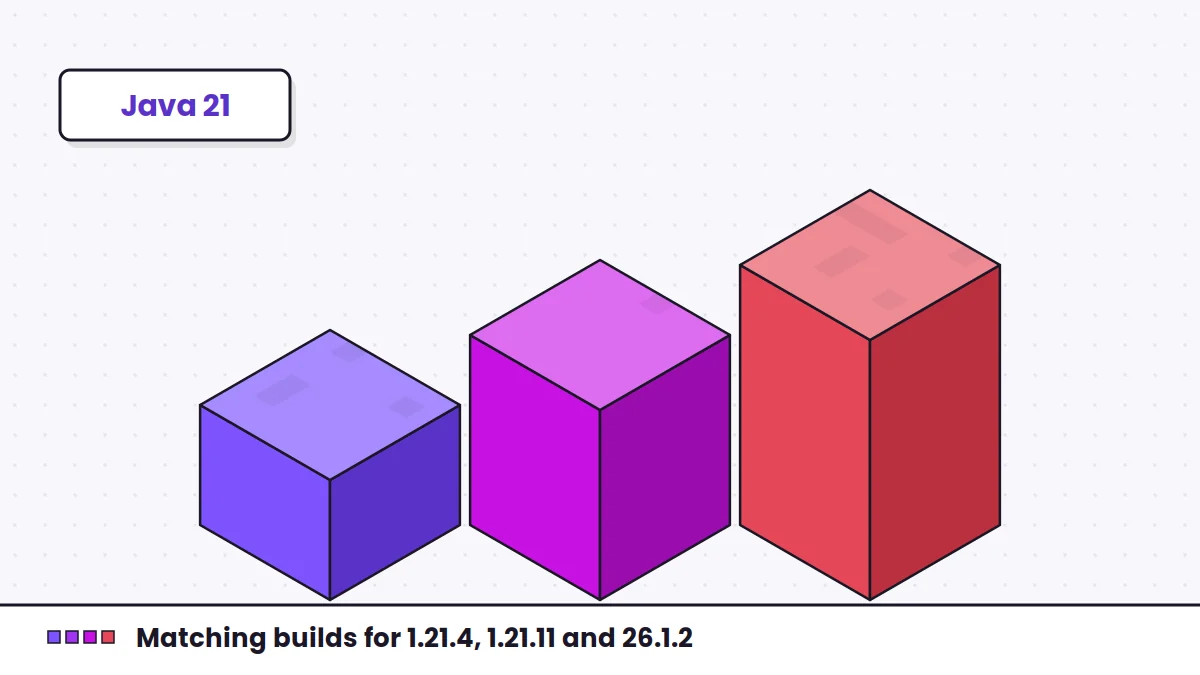
Minecraft 1.21.x runs on Java 21. Newer releases may raise the requirement again. The official launcher downloads the correct runtime for you. If you use a third-party launcher, make sure the instance points to a Java version the game supports. A Java mismatch shows up as an error before any mod, including this library, gets a chance to load.
Matching the library to your version
Because it is a language library, Fabric Language Kotlin is not rebuilt around each game version the way content mods are. The deciding factors are still practical ones:
- the library version your Kotlin-based mods require,
- whether the platform lists that build for your game version, and
- whether your Fabric Loader is new enough for both.
If a mod's page names a minimum Fabric Language Kotlin version, treat that as the floor.
A safe upgrade order
- Back up the instance and its worlds.
- Create a new instance for the target version rather than upgrading in place.
- Install the Fabric Loader build for that version.
- Add Fabric Language Kotlin and other libraries such as Fabric API.
- Add content mods one group at a time and launch between groups, so a failure points to a small set of mods.
1.21.4 or 1.21.11?
Both belong to the 1.21 line, but mods are frequently released for specific point versions. A mod built for 1.21.4 is not guaranteed to run on 1.21.11. Choose the version that your must-have mods support and match everything else to it.
If something breaks after upgrading
Check whether the error names a specific mod and version range. Dependency messages from Fabric Loader are usually precise. The error-fixing guide lists the common messages, and the 1.20.1 and 1.20.2 notes help if you decide to stay on an older version.