On this page
Searches for a Fabric Language Kotlin download lead to a few different kinds of files. They are not interchangeable, and mixing them up is one of the most common reasons a setup fails. This guide separates them clearly.
Two kinds of download
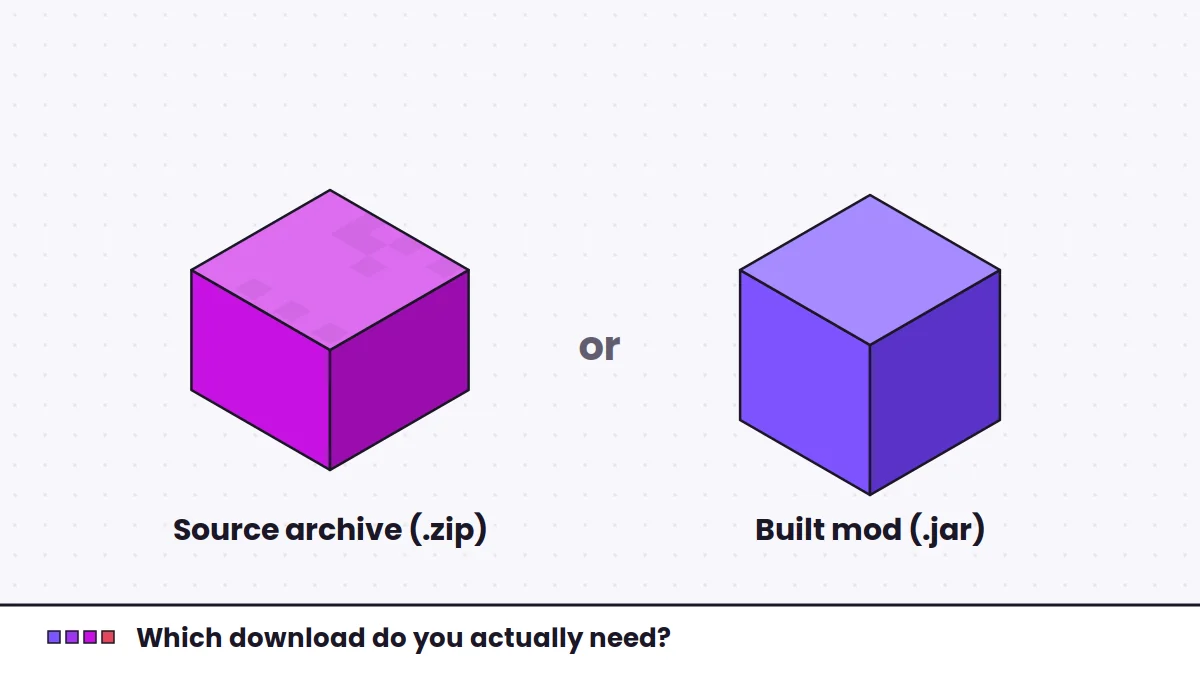
Most open-source Minecraft mods are published in two forms:
- Source code: the human-readable Kotlin and Gradle files that developers edit. It is what you get when you download a repository as a
.zip. - A built mod jar: the compiled
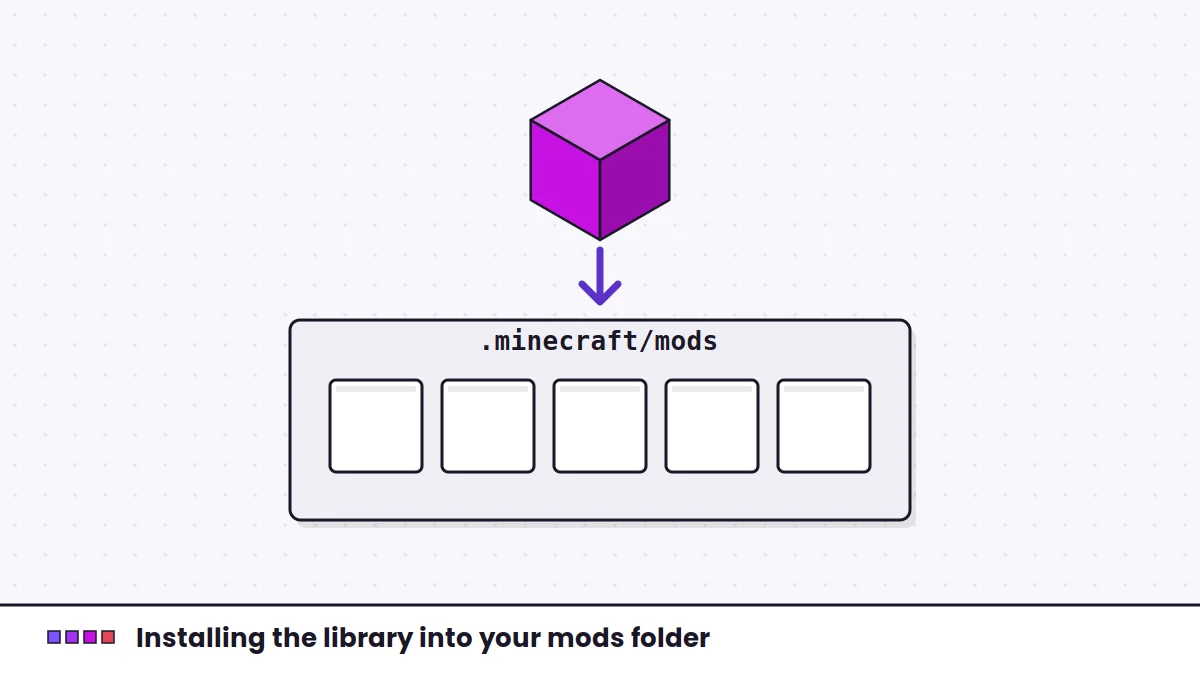
.jarfile that Fabric Loader can actually load. This is what belongs in yourmodsfolder.
What the archive on this site contains
The download button on this site's download section links to the master branch archive of the FabricMC/fabric-language-kotlin repository on GitHub. That archive is the project's source code at the moment you download it. It includes the build configuration and source folders, not a finished mod.
Do not place the .zip in your mods folder. Fabric Loader will not treat a source archive as a mod. If you put it there, the dependency error you were trying to fix will still appear.
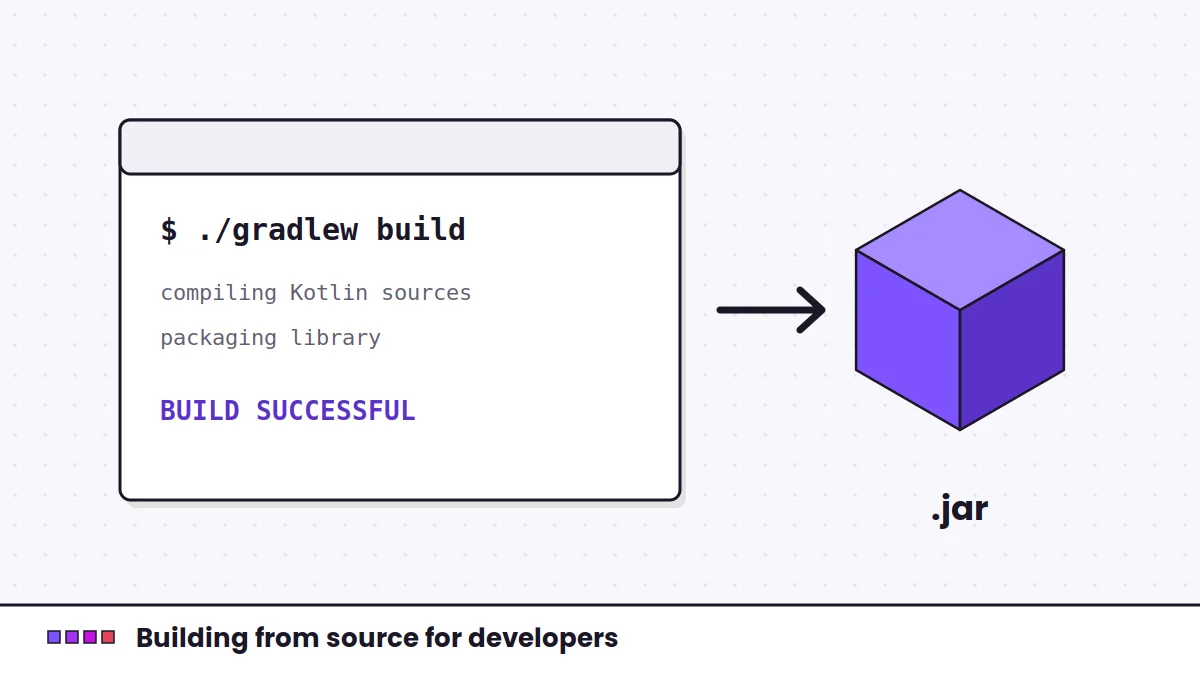
The source archive is useful if you want to read the code, study how the language adapter works, or build the library yourself. The build-from-source guide covers that route.
What players put in the mods folder
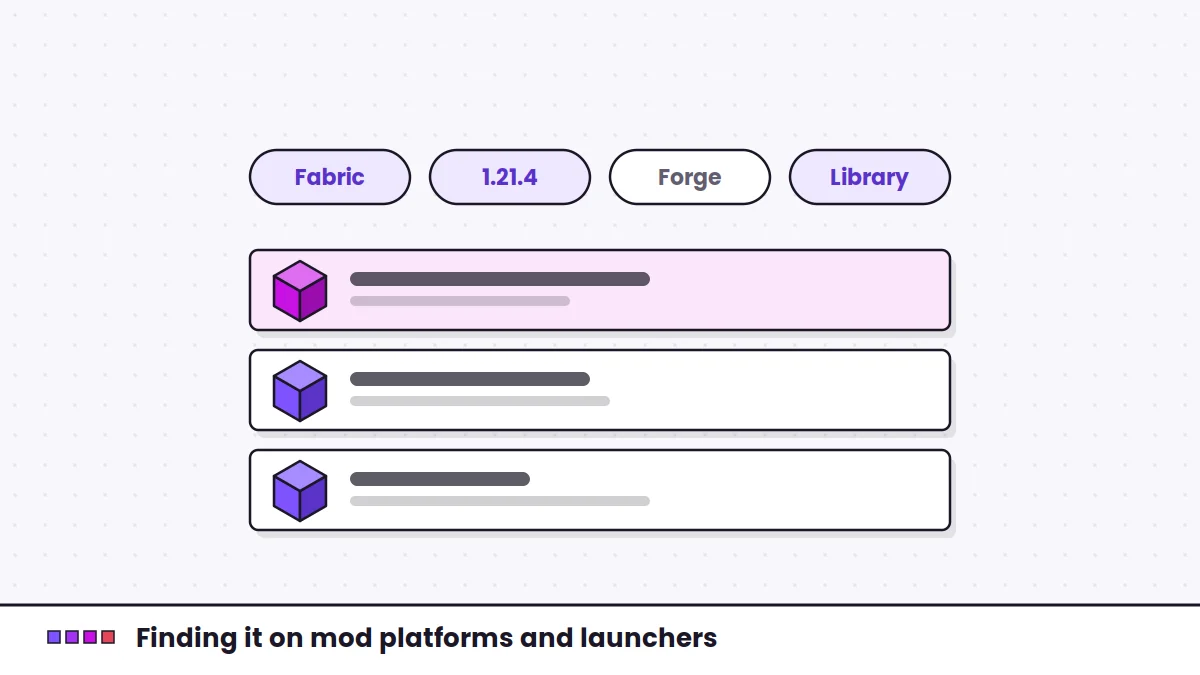
Players need the compiled jar. Built releases of Fabric Language Kotlin are published on mod platforms such as Modrinth and CurseForge, and many launchers can install it for you when another mod requires it. The Modrinth and launcher guide explains how to find the correct project listing.
Picking the right build
Release file names typically combine the library's own version with the Kotlin version it bundles, in a pattern like <mod version>+kotlin.<kotlin version>. When choosing one:
- Check which version the mod that requires it asks for. Its project page or crash message usually states a minimum.
- Use the platform's filters for your game version and the Fabric loader.
- Prefer the newest build that satisfies those filters unless a mod explicitly asks for an older one.
Verifying what you downloaded
- A mod file ends in
.jar. A source archive ends in.zipand, when opened, contains folders such assrcand files such asbuild.gradle.kts. - Download from the project's repository or its official listings on established platforms rather than repost sites.
- If your security software flags a file, stop and check where it came from before running the game.
Next steps
Once you have the correct jar, follow the installation guide. If the game still refuses to start, the error-fixing guide covers the usual causes.