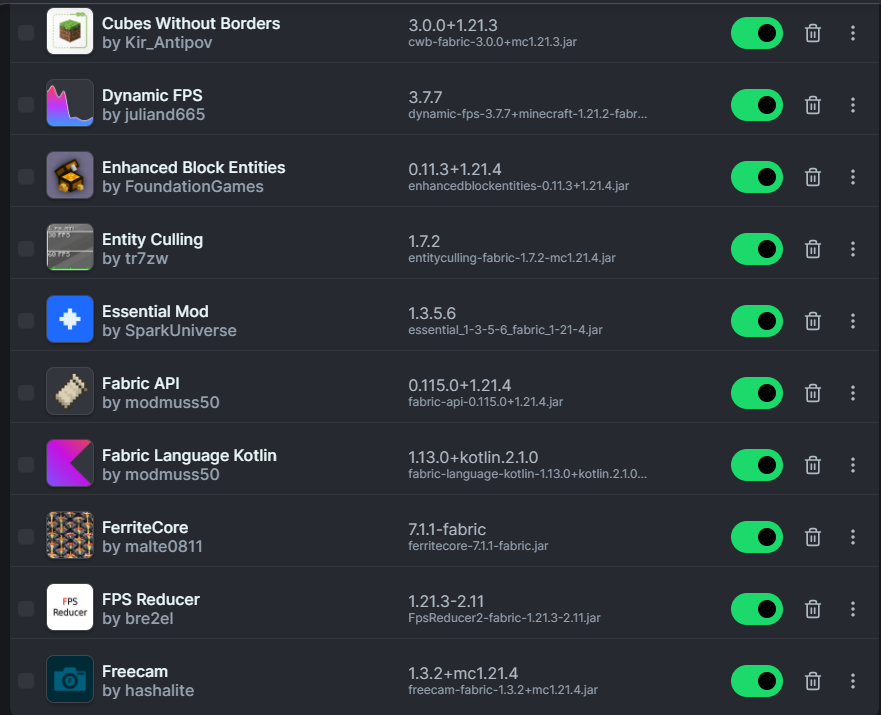
Moving a Fabric setup from Minecraft 1.20.1 to 1.20.2 is not just a launcher change. Every mod and dependency should be reviewed, including language libraries such as Fabric Language Kotlin.
Why 1.20.2 needs a clean review
Minecraft patch and minor versions can change mappings and mod compatibility. A library may itself be broadly compatible while a dependent mod is not.
Treat the whole mod set as a versioned unit. Copying an old mods folder into a new profile can leave incompatible gameplay mods beside otherwise valid libraries.
Check the dependency chain
Identify which installed mods declare Fabric Language Kotlin. Update those mods for 1.20.2 first, then select a library version accepted by their metadata.
If the launcher reports a conflict, note every required range before changing files. The first error often points directly to the dependency that blocks loading.
Migration workflow
Back up saves and configuration, create a separate 1.20.2 instance, install Fabric Loader, then add updated mods in small groups. Launch between groups.
This approach preserves the working 1.20.1 installation and gives you a clear rollback path.
Avoid false fixes
Deleting configs at random, mixing loader branches, or replacing a JAR with a source ZIP will not solve a dependency mismatch. Fix the version relationship shown by the loader instead.