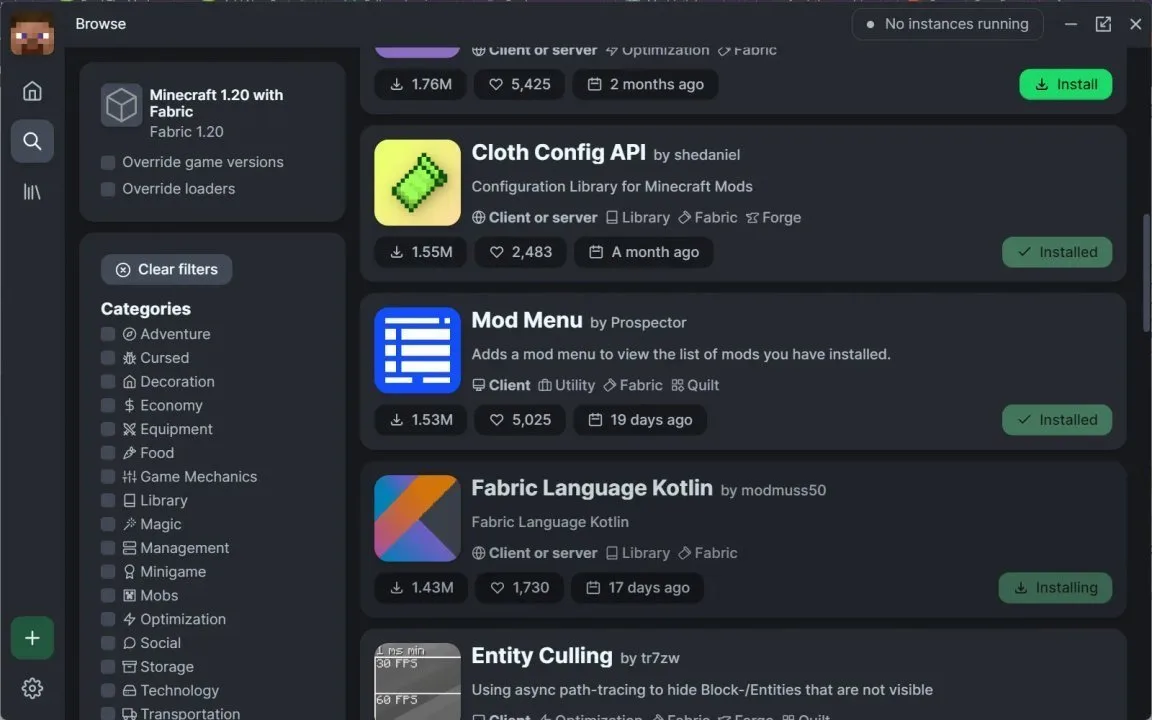
Modrinth is commonly used to review Fabric Language Kotlin versions and compatibility information. The useful part is not just the download count or newest file—it is the version and environment metadata attached to each release.
Read compatibility before downloading
Check the Minecraft version line, Fabric platform tag, and environment support. Official listings describe Fabric Language Kotlin as usable on client and server and as a library rather than a content mod.
Then compare the candidate library build with the requirements of the Kotlin-based mod you actually want to run.
Understand “library” status
A library can be essential without adding blocks, items, menus, or gameplay by itself. Fabric Language Kotlin supplies Kotlin language support and common runtime libraries so dependent mods do not need to package everything separately.
Version history is useful for debugging
If a recently updated pack stops loading, compare the previous working Fabric Language Kotlin version with the new one and check which dependent mod changed.
Keep backups of known-good manifests or launcher exports so rollback is controlled.
Avoid unofficial repacks
Prefer original project distribution channels and verify filenames and version metadata. Do not trust random repack pages that rename files or bundle unrelated installers.