On this page
Most problems involving Fabric Language Kotlin fall into a handful of patterns, and Fabric Loader's error messages usually say exactly which one you have. Start by reading the message, then find the matching fix below.
Read the error first
When the game fails to start, Fabric Loader usually shows a window describing the problem. The same information is written to logs/latest.log inside your game or instance folder. Crashes that happen after loading produce a file in the crash-reports folder. Look for mod IDs and version numbers in those messages; they point to the fix.
"Requires fabric-language-kotlin"
What it means: a mod depends on this library and the loader cannot find it.
Fix: add the built Fabric Language Kotlin jar to the same mods folder, following the installation guide.
"Requires version X or later"
What it means: the library is installed but older than a mod needs.
Fix: replace it with a build at or above the version named in the message. Remove the old file rather than keeping both.
Duplicate mods found
What it means: two copies of the library are present, often an old and a new one, or one added manually into a modpack that already had it.
Fix: keep a single copy, normally the newest compatible build.
The error remains after "installing" it
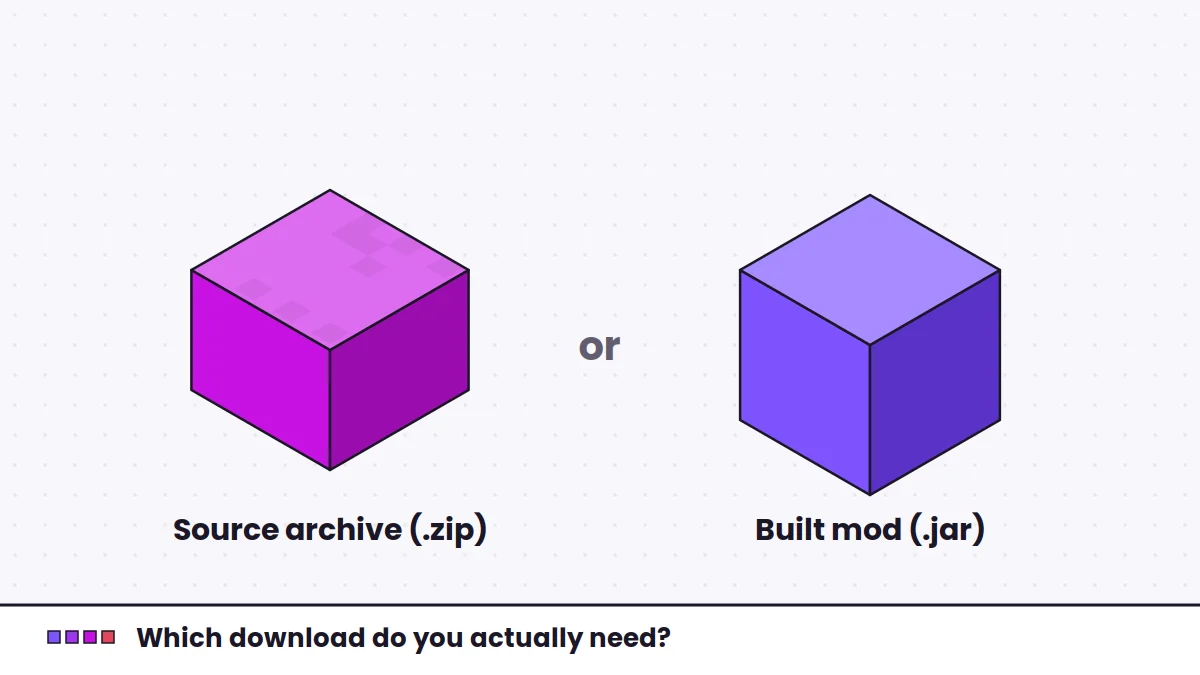
What it means: the file in your mods folder is probably the source archive, not the mod. The GitHub archive is a .zip of source code, and the loader ignores it.
Fix: use a built .jar. The download guide explains how to tell them apart.
Unsupported class file version
What it means: the game is running on an older Java version than the code was compiled for.
Fix: point your launcher instance at the Java version your Minecraft release requires. The official launcher handles this automatically; third-party launchers let you choose.
Works in single player, fails on a server
What it means: the server is missing the library, or has a different version than a mod expects.
Fix: install the same compatible build in the server's mods folder and restart the server.
Nothing Kotlin-related loads at all
Confirm that you launched the Fabric profile. Starting a vanilla profile ignores the mods folder entirely. Also confirm you are not trying to use Fabric mods on Forge or NeoForge, which use different loaders and different Kotlin libraries.
When to ask for help
If none of these match, share your full latest.log with the support channel of the mod that fails, using a paste service instead of a screenshot. Mention your game version, loader version and the library version you installed.