Fabric Language Kotlin guides
Practical walkthroughs for players, server owners and developers: getting the right file, matching versions and fixing the errors that come up most.
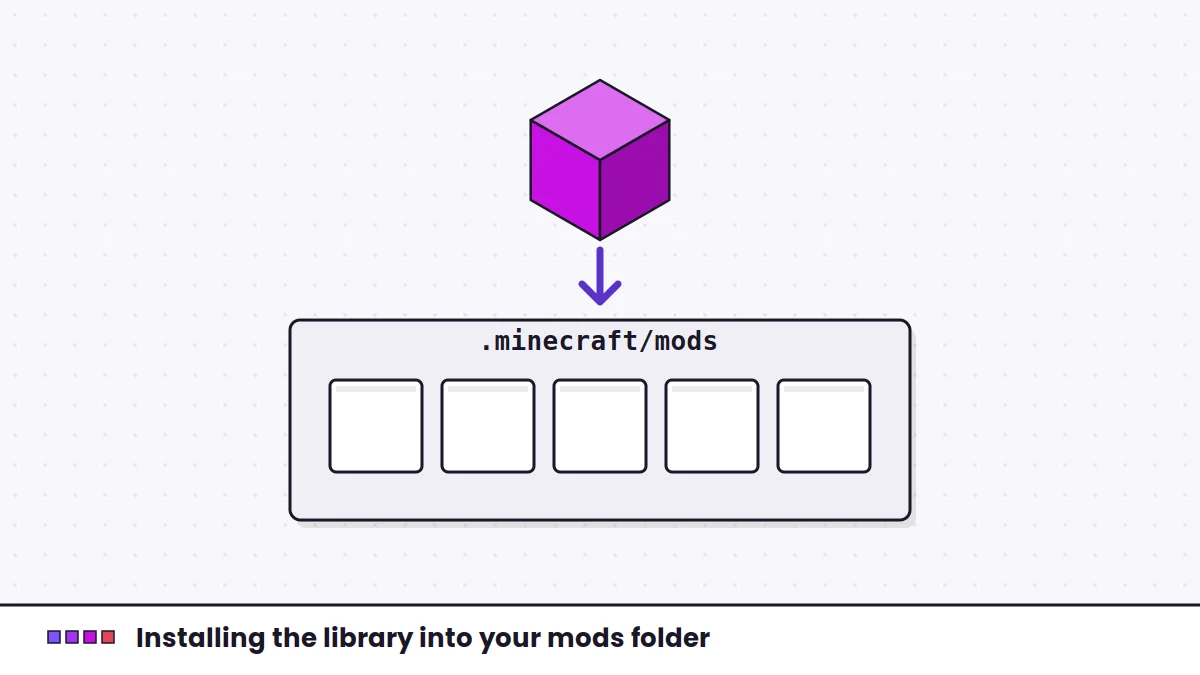 Start hereInstallation
How to install Fabric Language Kotlin step by step
Install the Fabric Language Kotlin mod correctly: set up Fabric Loader, find your mods folder on Windows, macOS or Linux, add the jar and confirm Kotlin mods load.
Open the installation guide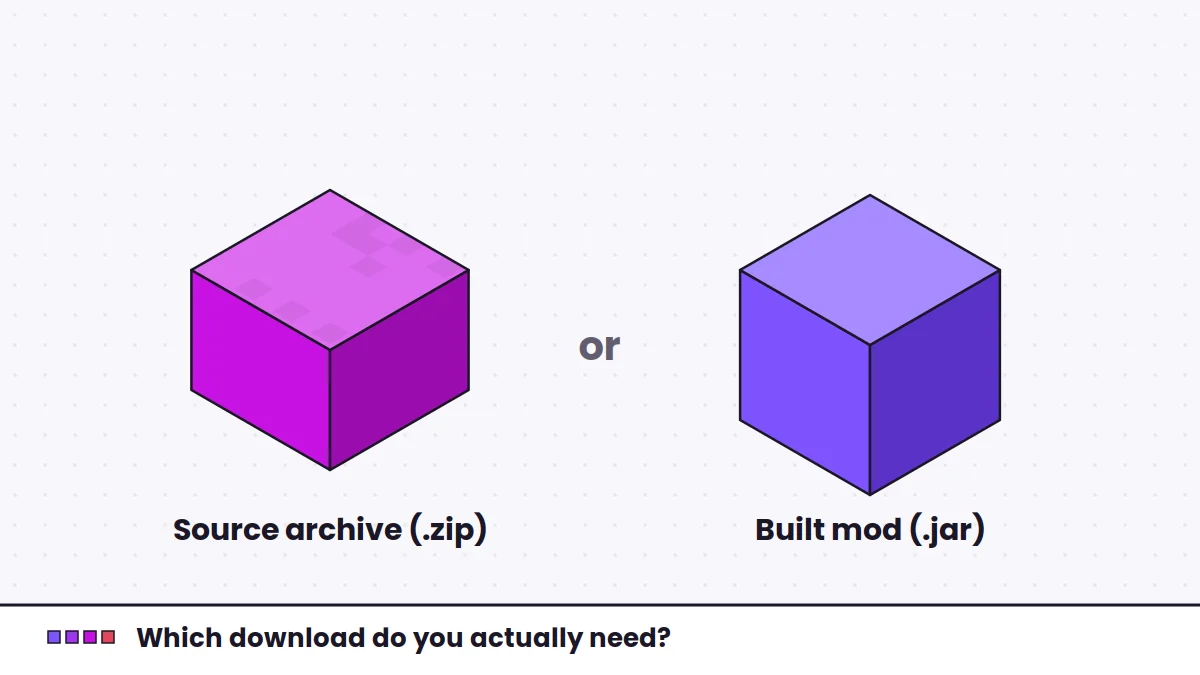 Download
Fabric Language Kotlin download: source archive or ready-to-use jar?
What the GitHub archive contains, what your mods folder expects and how to pick the right build.
InstallationHow to install Fabric Language Kotlin step by step
Fabric Loader, the mods folder on every desktop system, and how to confirm the library loaded.
 Launchers
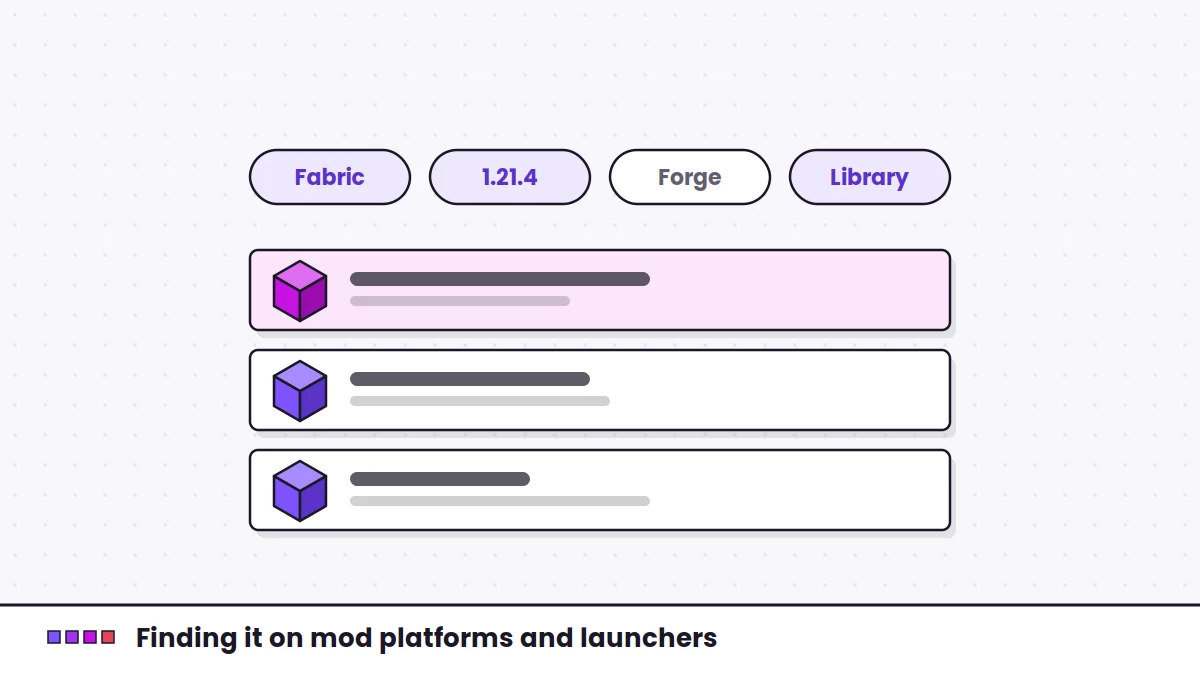
Finding Fabric Language Kotlin on Modrinth and in mod launchers
Finding the correct listing, filtering by version and loader, and letting launchers handle dependencies.
 Versions
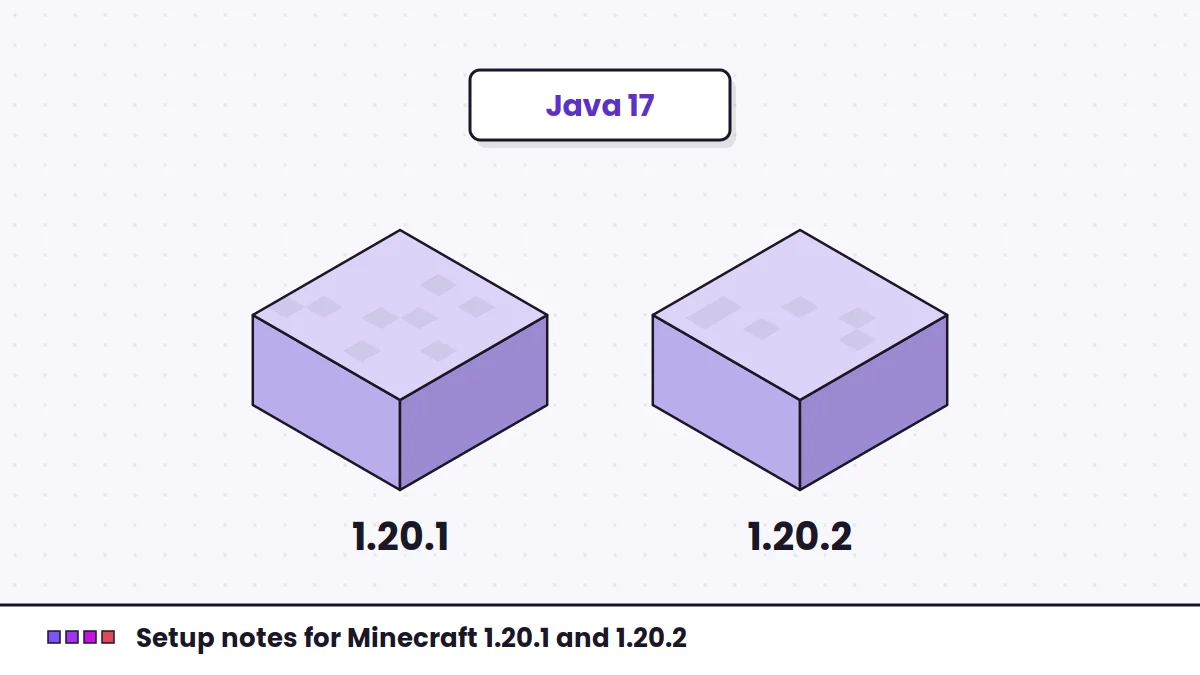
Using Fabric Language Kotlin on Minecraft 1.20.1 and 1.20.2
Java requirements, choosing a build that satisfies your mods, and moving a pack between these versions.
 Versions
Fabric Language Kotlin for Minecraft 1.21.4, 1.21.11 and 26.1.2
Matching builds to newer releases, the year-based version change and a safe upgrade order.
 Troubleshooting
Fixing common Fabric Language Kotlin errors and crashes
Reading the log, then matching missing, outdated, duplicate and Java errors to their fixes.
 Basics
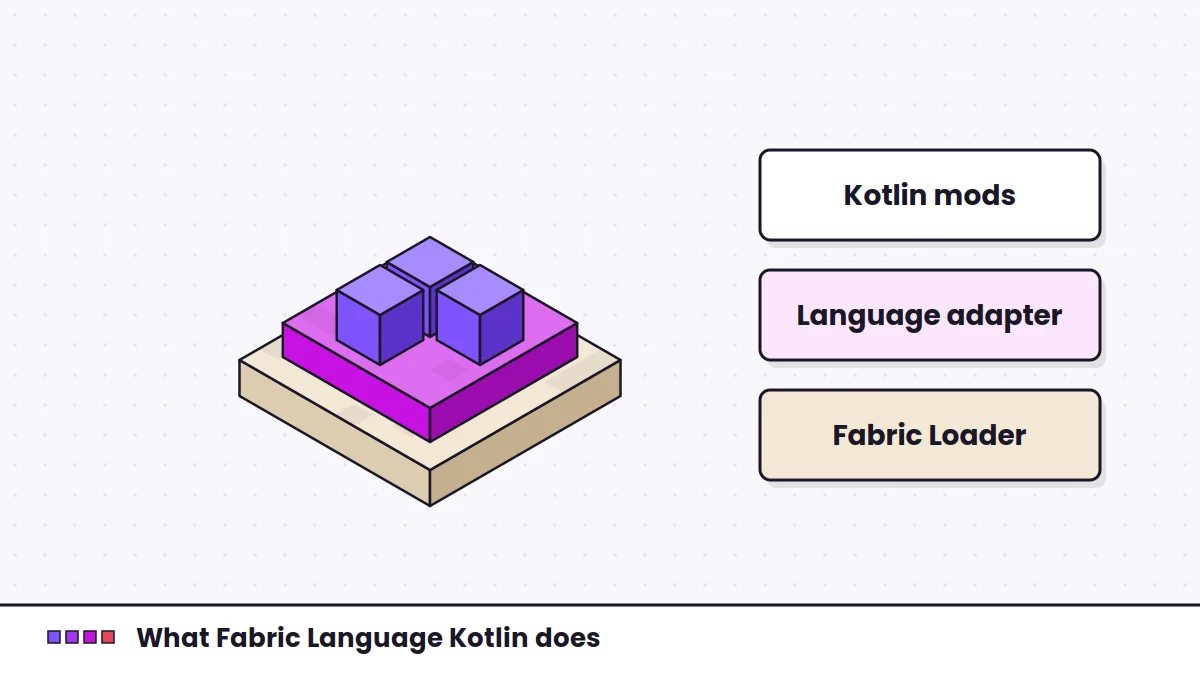
What is Fabric Language Kotlin, and why do mods ask for it?
What the library does, what it bundles and why it shows up in so many dependency lists.
 Comparison
Yet Another Config Lib and Fabric Language Kotlin: how they differ
Two libraries that often appear side by side, what each one does and how to read a dependency list.
 Developers
Building Fabric Language Kotlin from source and using it in your mod
Building the GitHub archive with Gradle and declaring the library in your own Kotlin mod.