On this page
Installing Fabric Language Kotlin takes a few minutes. There is nothing to configure, so most of the work is making sure the right files sit in the right folder for the right game profile.
Before you start
- Know which Minecraft: Java Edition version your mods target.
- Have the built Fabric Language Kotlin
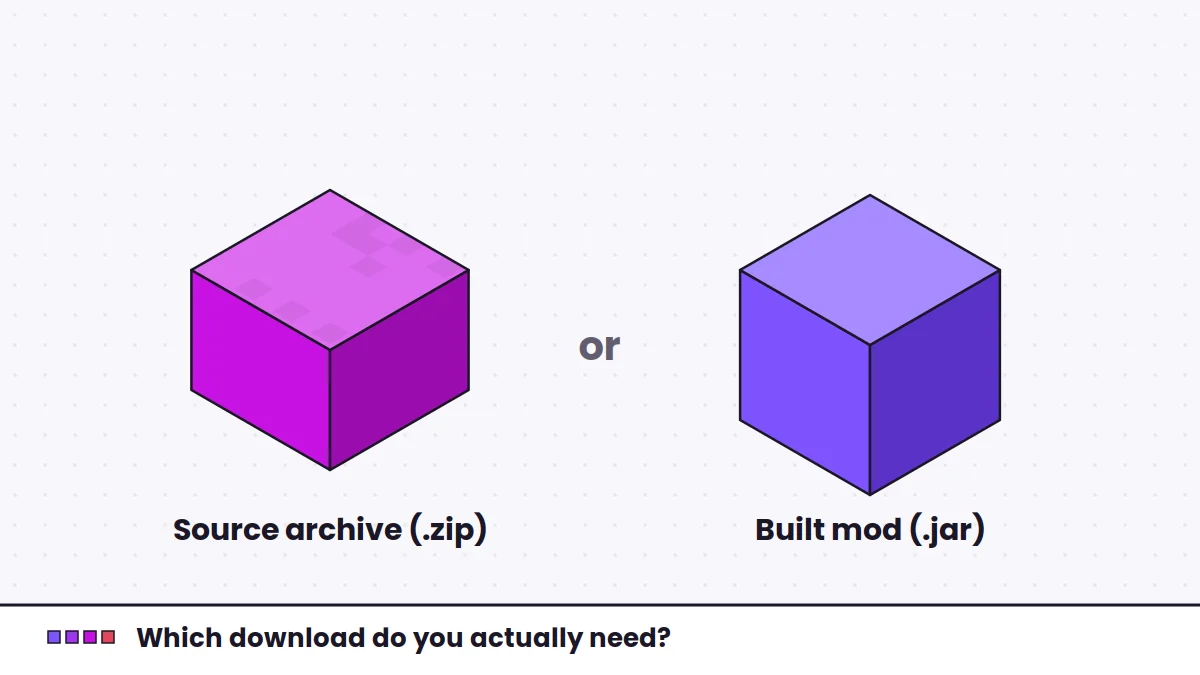
.jar, not the source.zip. The download guide explains the difference. - Back up any worlds you care about before adding or changing mods.
Step 1: Install Fabric Loader
Fabric Language Kotlin is a Fabric mod, so Fabric Loader must be installed for your game version first. The Fabric installer creates a new launcher profile for the version you choose. Run the game once with that profile so the folders are created, then close it.
Step 2: Open your mods folder
The default Minecraft folder depends on your operating system:
- Windows:
%appdata%\.minecraft\mods - macOS:
~/Library/Application Support/minecraft/mods - Linux:
~/.minecraft/mods
If the mods folder does not exist yet, create it. Launchers that keep separate instances, such as Prism Launcher or the Modrinth App, use their own folder for each instance, usually reachable from an option to open the instance folder.
Step 3: Add the jar
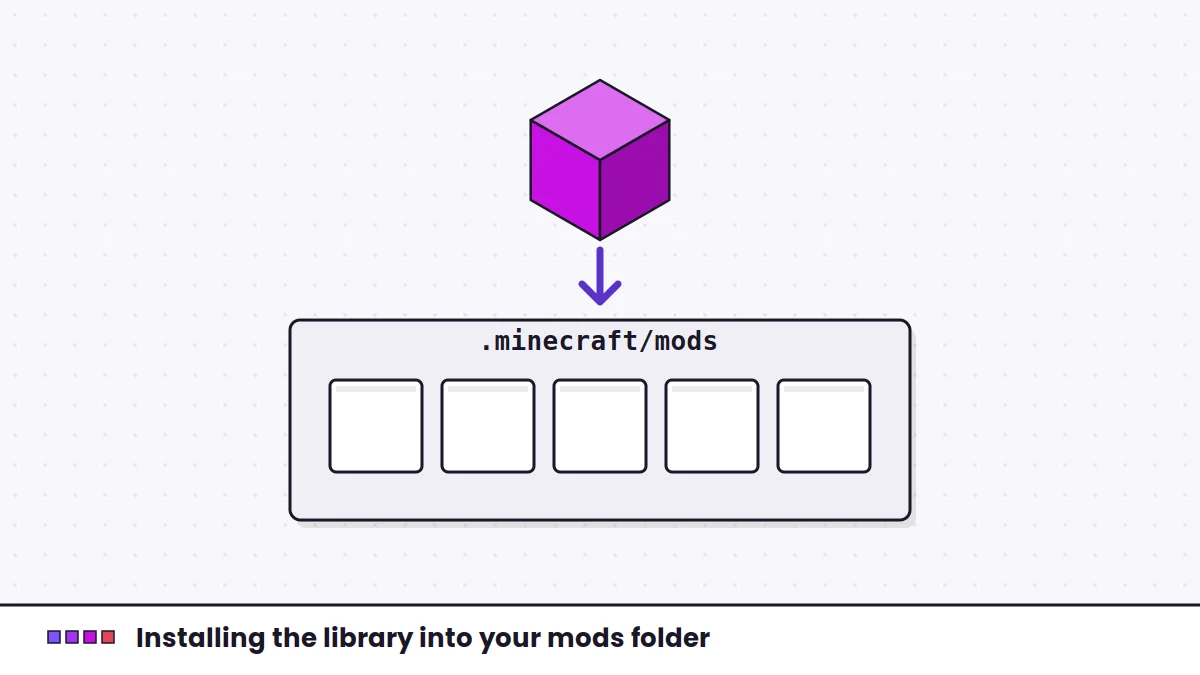
Copy the Fabric Language Kotlin .jar into the mods folder. Leave it as a jar; do not unzip it. Keep only one copy. If an older version is already there, remove it so the loader does not find two.
Step 4: Add the other dependencies
Fabric Language Kotlin covers the Kotlin runtime only. Many mods also require Fabric API or other libraries. Read the dependency list on each mod's page and install everything it names. If you are unsure how this library relates to others, the Yet Another Config Lib comparison is a good example of two libraries that are often confused.
Step 5: Launch and confirm
Start the game with your Fabric profile. If a Kotlin-based mod now loads without a dependency error, the library is working. There is no in-game screen for it. If you have a mod list viewer installed, the library appears there as its own entry.
Installing on a dedicated server
If a Kotlin-based mod runs on the server as well, the server needs Fabric Language Kotlin in its own mods folder. The steps are the same: install the Fabric server launcher for your version, add the jar, and restart. A client and server that disagree about required mods will usually refuse to connect or show an error during join.
Still stuck? The error-fixing guide shows how to read the log and match each message to a fix.