On this page
Minecraft 1.20.1 remains a common target for Fabric modpacks, and 1.20.2 sits right beside it. If a mod on either version asks for Fabric Language Kotlin, these notes cover the details that trip people up.
How the library relates to game versions
Fabric Language Kotlin is a language library rather than a content mod. It does not add blocks or hook deeply into specific game code, so it tends to be less tied to a single Minecraft version than typical mods. That does not mean any build will do. What matters most is:
- the minimum library version that your other mods declare, and
- the Java version your game runs on.
Always use the build that the platform lists for your game version and that satisfies every mod in your pack.
Java requirements for 1.20.1 and 1.20.2
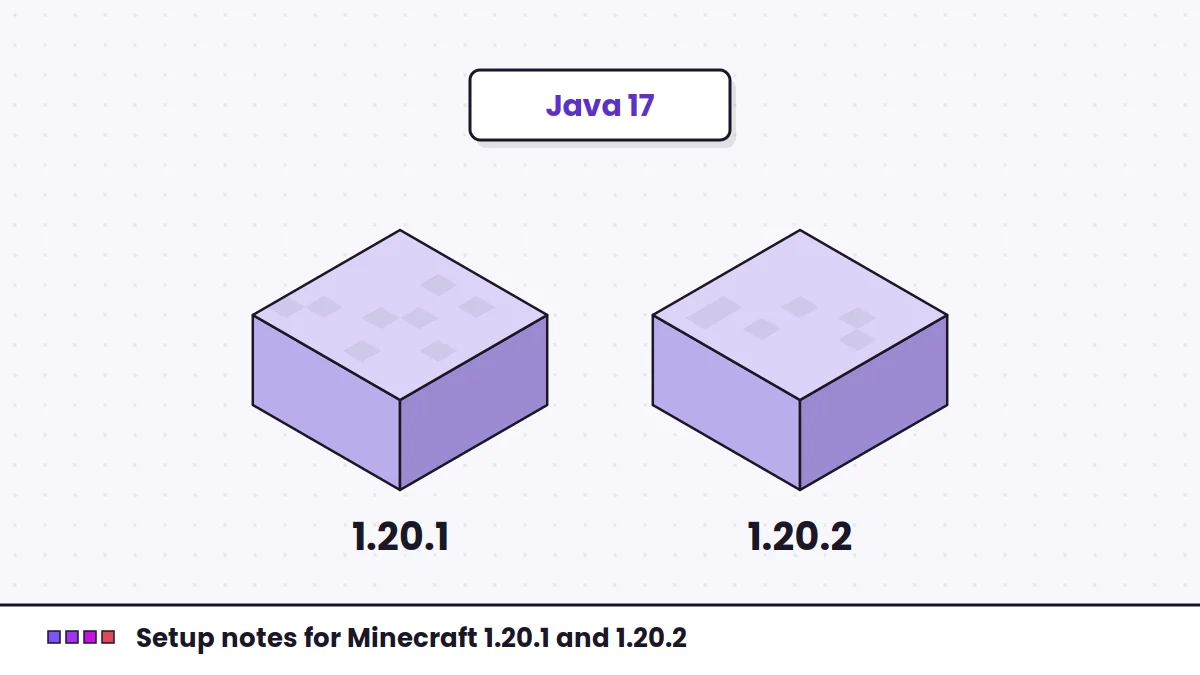
Minecraft 1.20.1 and 1.20.2 run on Java 17. The official launcher supplies the correct runtime automatically. Third-party launchers let you pick a Java installation, and choosing an older one produces errors before any mod loads. If you see a message about an unsupported class file version, check Java first.
Choosing a build for these versions
- Open each Kotlin-based mod's page and note the Fabric Language Kotlin version it requires, if stated.
- On the library's listing, filter by your game version and the Fabric loader.
- Pick a build at or above the highest minimum you noted.
Launchers that resolve dependencies can do this for you. The Modrinth and launcher guide shows how.
1.20.1 versus 1.20.2 for modpacks
For the library itself, the choice between these two versions rarely changes anything. The difference that matters is your other mods: many were released for one version and not the other. Pick the game version that the most important mods in your pack support, then match everything else to it.
Moving a modpack between 1.20.1 and 1.20.2
- Create a separate instance or profile instead of editing your working one.
- Replace every content mod with the build for the new game version. Libraries may carry over, but check their listed support.
- Copy worlds only after backing them up. Mods that change world data can behave differently across versions.
Planning a move to a newer release? The guide for 1.21.4, 1.21.11 and 26.1.2 covers what changes further along.